
First Run
First Run
Section titled “First Run”Start LingXiao
Section titled “Start LingXiao”lingxiaoAfter launch, you will see the TUI interface and the WebUI address. The default port info is written to:
~/.lingxiao/portSend Your First Goal
Section titled “Send Your First Goal”Enter your engineering goal in TUI or WebUI, for example:
Create an Express REST API with user CRUD and JWT authentication
The Leader will:
Leader Scheduling Flow
Understand the goal and decompose tasks
Build a DAG task graph
Assemble an expert panel (Architect, Backend, QA, etc.)
Dispatch tasks to Workers
Supervise execution and verification
Summarize results
Observe Runtime State
Section titled “Observe Runtime State”WebUI Command Center
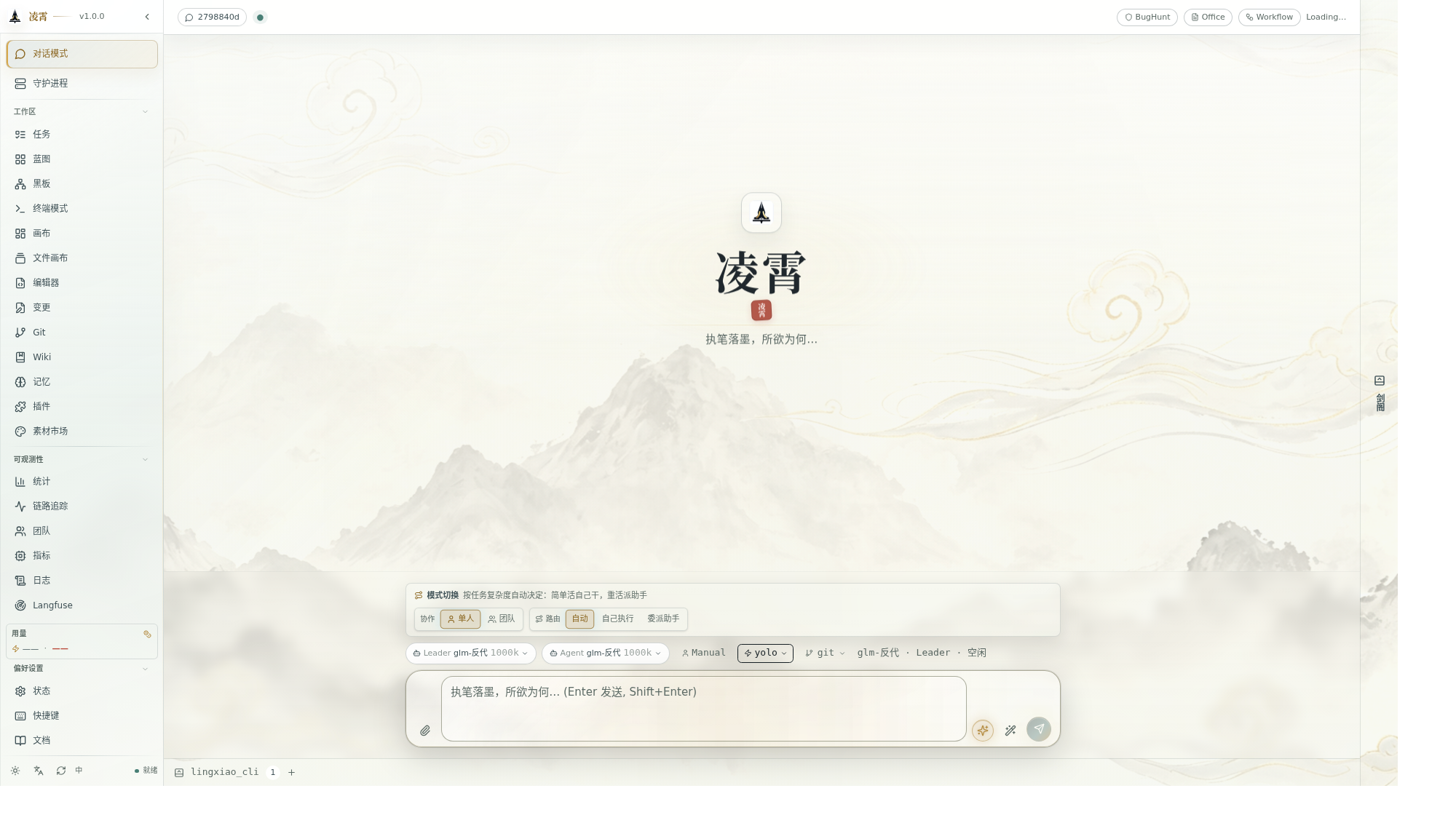
Section titled “WebUI Command Center”Open the WebUI address printed in the terminal to see:
- Task Panel: DAG visualization, task state transitions
- Agent Panel: Each Worker’s role, progress, and output
- Tool Calls: Parameters, permissions, and results for every invocation
- Code Changes: File diffs and Git operations
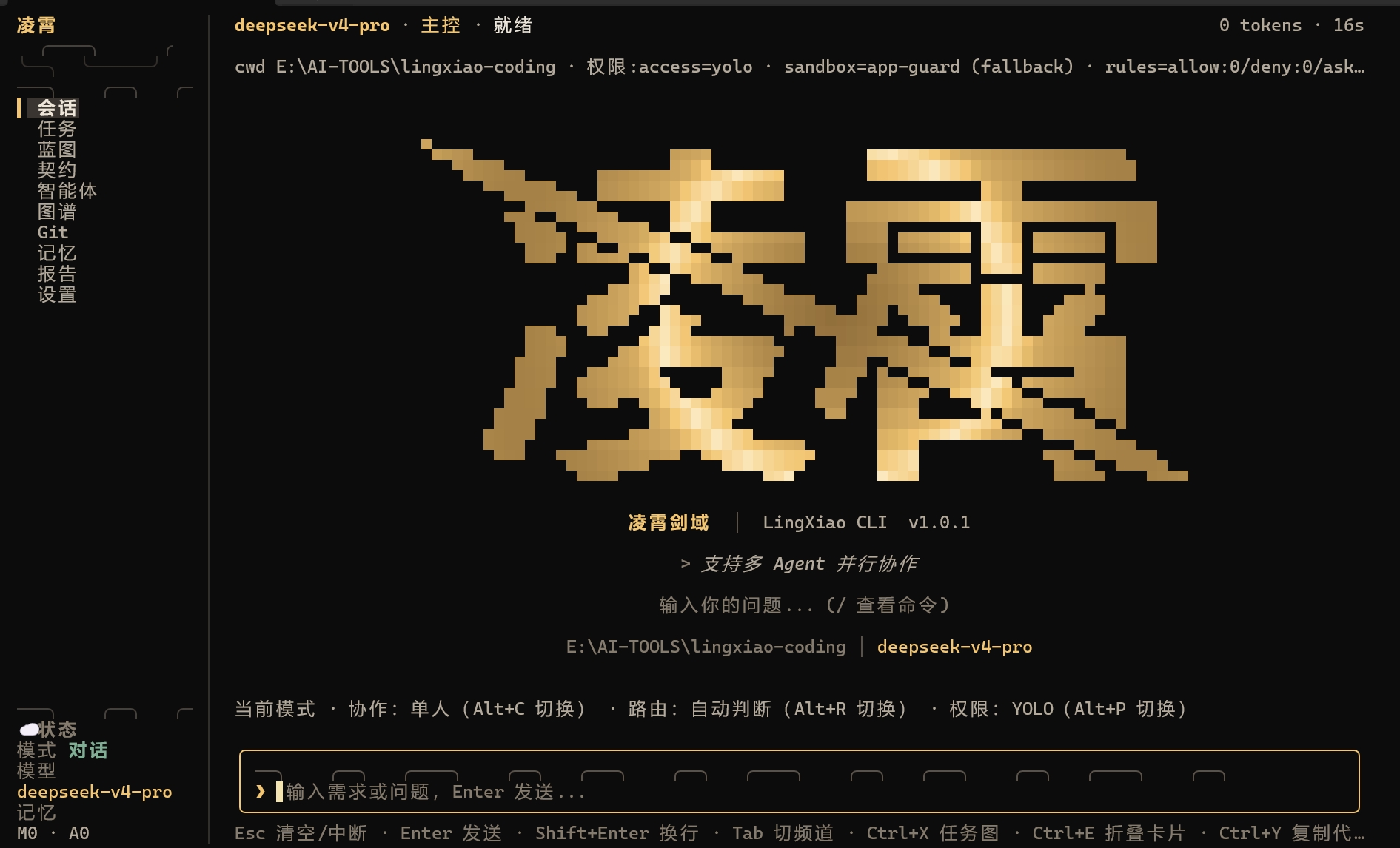
TUI Interface
Section titled “TUI Interface”The TUI displays task lists, agent status, and tool calls in real time.
Session Management
Section titled “Session Management”# List all sessionslingxiao list
# Resume a sessionlingxiao --session <session_id>All session state is persisted to SQLite and recoverable after crashes.
Common Commands
Section titled “Common Commands”| Command | Description |
|---|---|
lingxiao | Start TUI + WebUI |
lingxiao --session <id> | Resume a specific session |
lingxiao list | List all sessions |
lingxiao doctor | Environment diagnostics |